
Record the whole day. The summary and the tasks come out on their own.
It records everything: a call on Teams, Meet, Zoom or Slack, a video or a voice note someone sent you, or a conversation in the room, through your computer's microphone or your phone's. Always, obviously, with the consent of whoever is on the other side. Recaps transcribe live, translate on the fly and also watch your screen to understand what is being discussed. What comes out the other side is a summary in the format you defined, sorted by theme, with the action items already turned into tasks that have a name attached.
Recording: which sources go in
Your microphone
For in-person meetings, phone calls, or dictating to yourself. Works on the web, on desktop and on your phone.
System audio
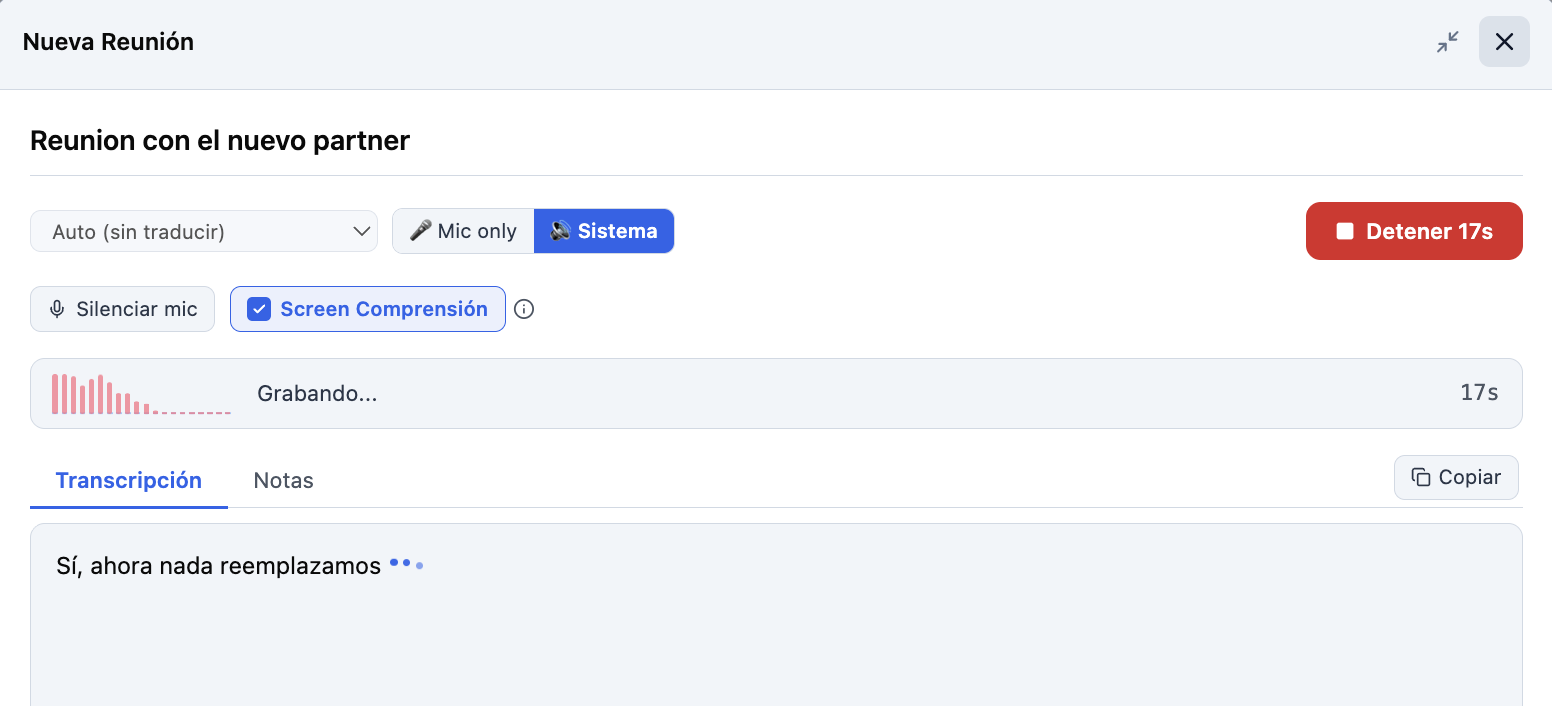
Captures whatever plays on your computer: Teams, Meet, Zoom, a video, an audio someone sent you. No bot needs to join the meeting and nobody needs to authorize it.
Your screen · Pro
Screen Comprehension takes snapshots at intervals and understands them: the slide being projected, the demo being shown, the shared document. What was seen enters the summary just like what was said.
Your phone
Record from mobile and follow the transcript on your computer. And the other way around: if you left a recording running on the desktop, from your phone you can see it, pause it or stop it.
Audio forwarded to you · Pro
The voice notes people sent you in another chat: forward them to the WhatsApp or Telegram bot and they come back as a recap with its summary, without opening the app. Several in a row end up in a single one.
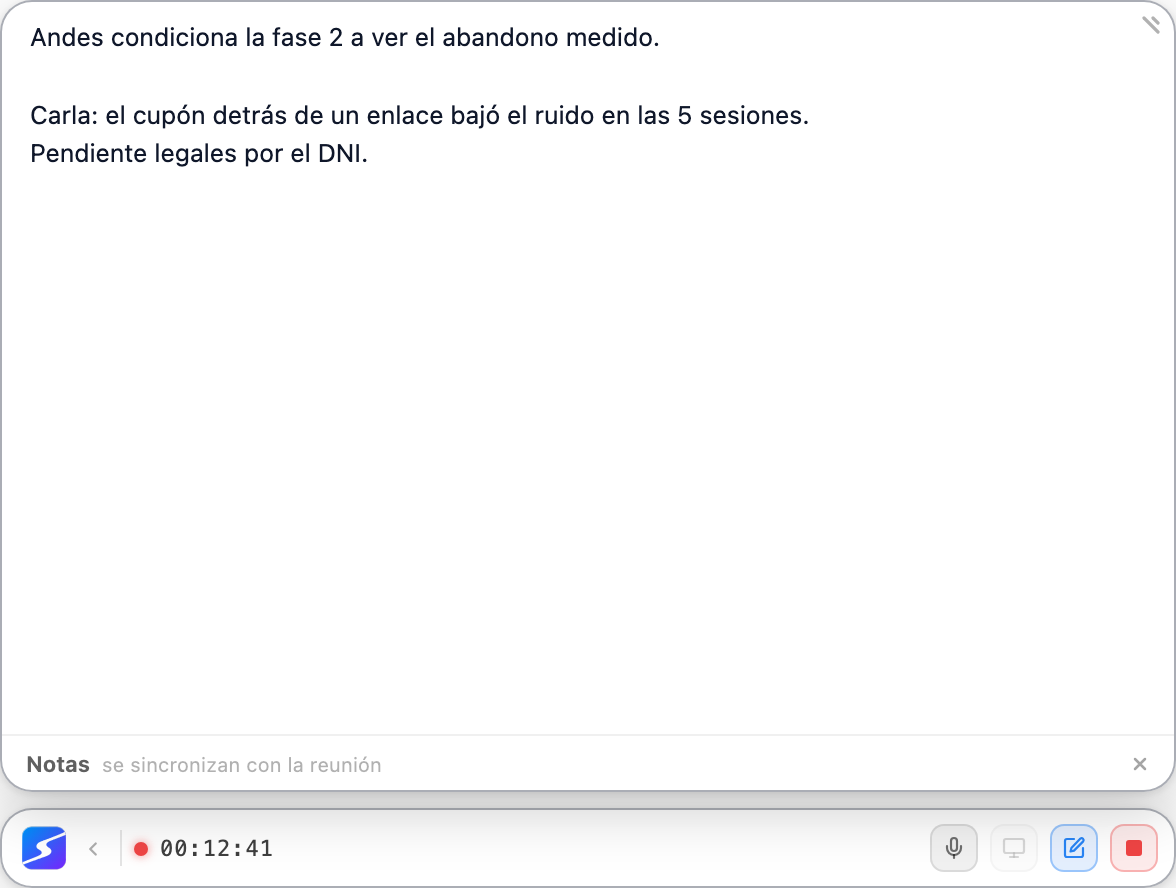
While you record, the desktop app keeps a floating pill above everything, with elapsed time, the controls and a notes panel that feeds straight into the recap. You never go back to the window to stop it or to jot something down.
Live transcription and translation
The text appears while the meeting happens, not at the end. You can read what was said thirty seconds ago while still listening — exactly what saves you when you missed a number.
- Real-time transcription, with punctuation and paragraphs.
- On-the-fly translation: follow a meeting in another language while reading in yours.
- The full transcript stays searchable afterwards, with timestamps.
The summary · Hobby: in your format, not ours
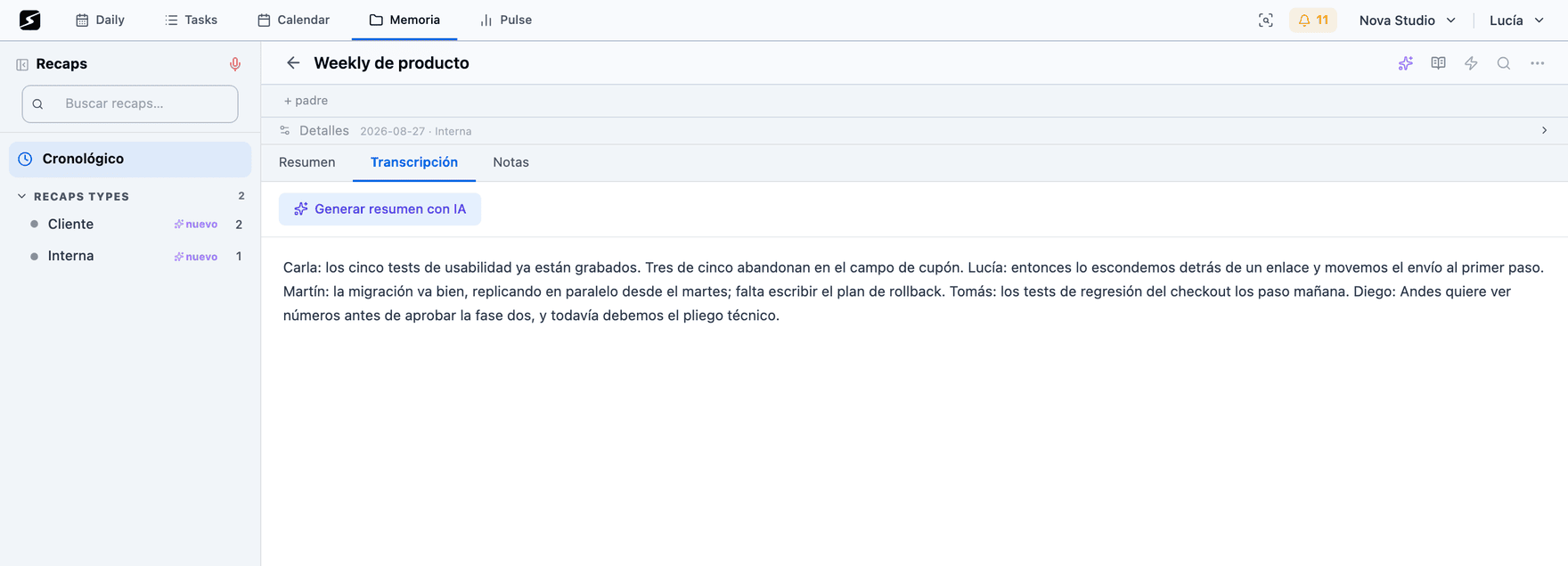
A generic summary is good for nothing. A one-on-one, a team standup, an interview and a lecture need different outputs, and the model cannot guess the difference.
So you define meeting types, and each type has its own summary template: which sections you want, in what order, at what level of detail. Executive, action items, study guide, formal minutes, or whatever exact format you come up with.
- Every recording is classified on its own into one of your types, and you can correct it.
- The type learns: corrections and new recordings sharpen that type's profile over time.
- Types also organize your recap library, which groups by type and by period.
- A summary can be regenerated with a different template without recording anything again.
Action items: from what was said to what has to be done
When the summary closes, commitments are extracted and kept as that meeting's action items: who committed to what, and by when if it was said.
- Each action item can be resolved — turned into a real task that lands in your planner — or dismissed.
- The resulting task stays linked to the meeting it came from, to the person and to the organization discussed.
- Before creating, it is checked against your active tasks: if it already existed, it is not duplicated.
- You can see the action items of all your meetings together, to sweep a whole week of commitments in one sitting.
Organize, cross-reference and share
Linked entities
Every recap links to the people, projects and organizations that came up. Later, from a client's Atlas entry, you see every meeting where they were discussed.
Facets and grouping
Your library is browsed by type, by period, by entity or by theme. At volume, it is what keeps it usable instead of just large.
Merging meetings
Two recordings of the same meeting — because it cut out, or because two people recorded — merge into one recap with a single transcript and a single summary.
Sharing
A recap is shared with collaborators in your workspace or published to a public link, just like a document. The link stops working when you unpublish it.
Where what you recorded ends up
A recap does not stay on its own: it feeds the rest of the system.
Shall we try it?
Create your free account and use all of this today.